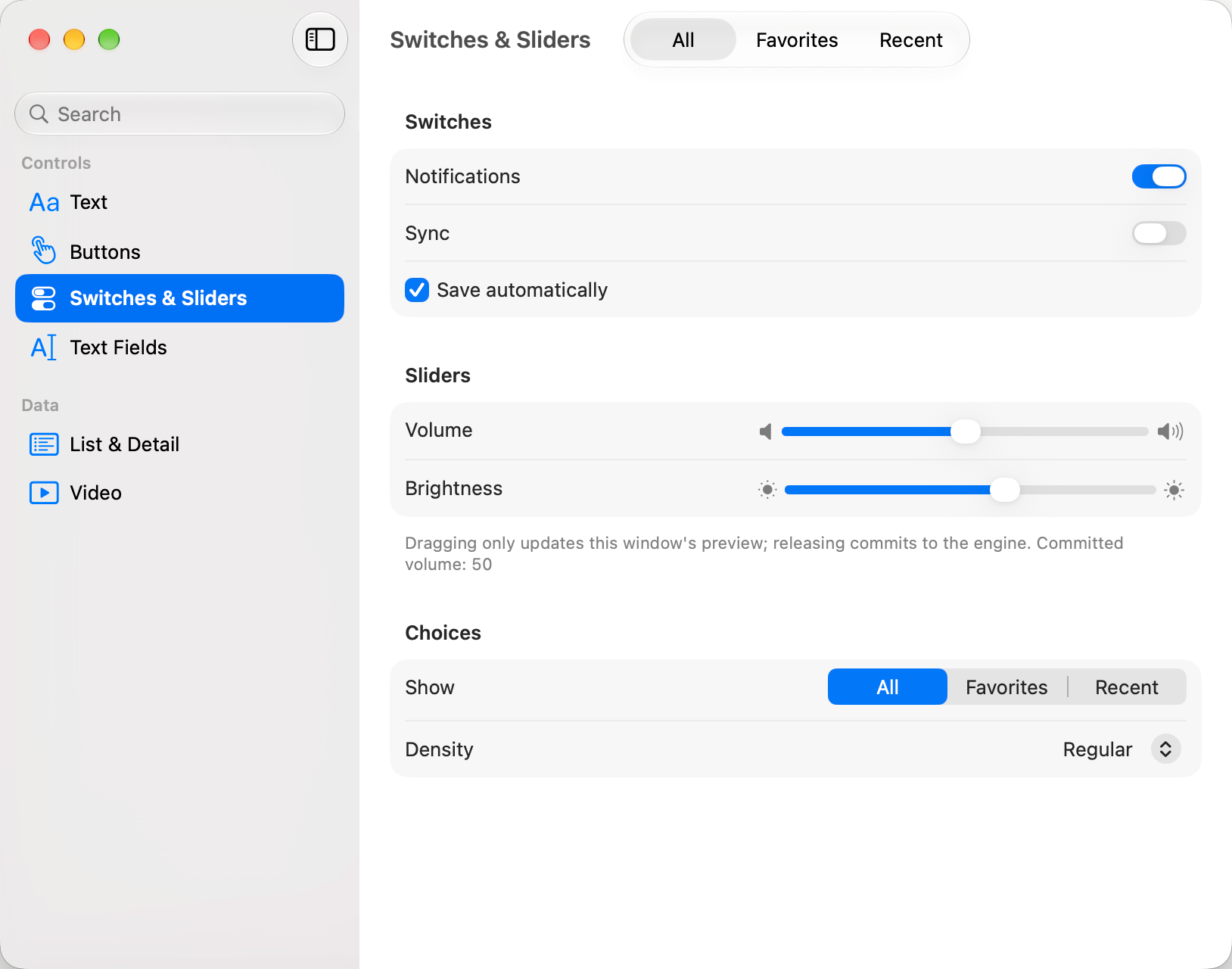
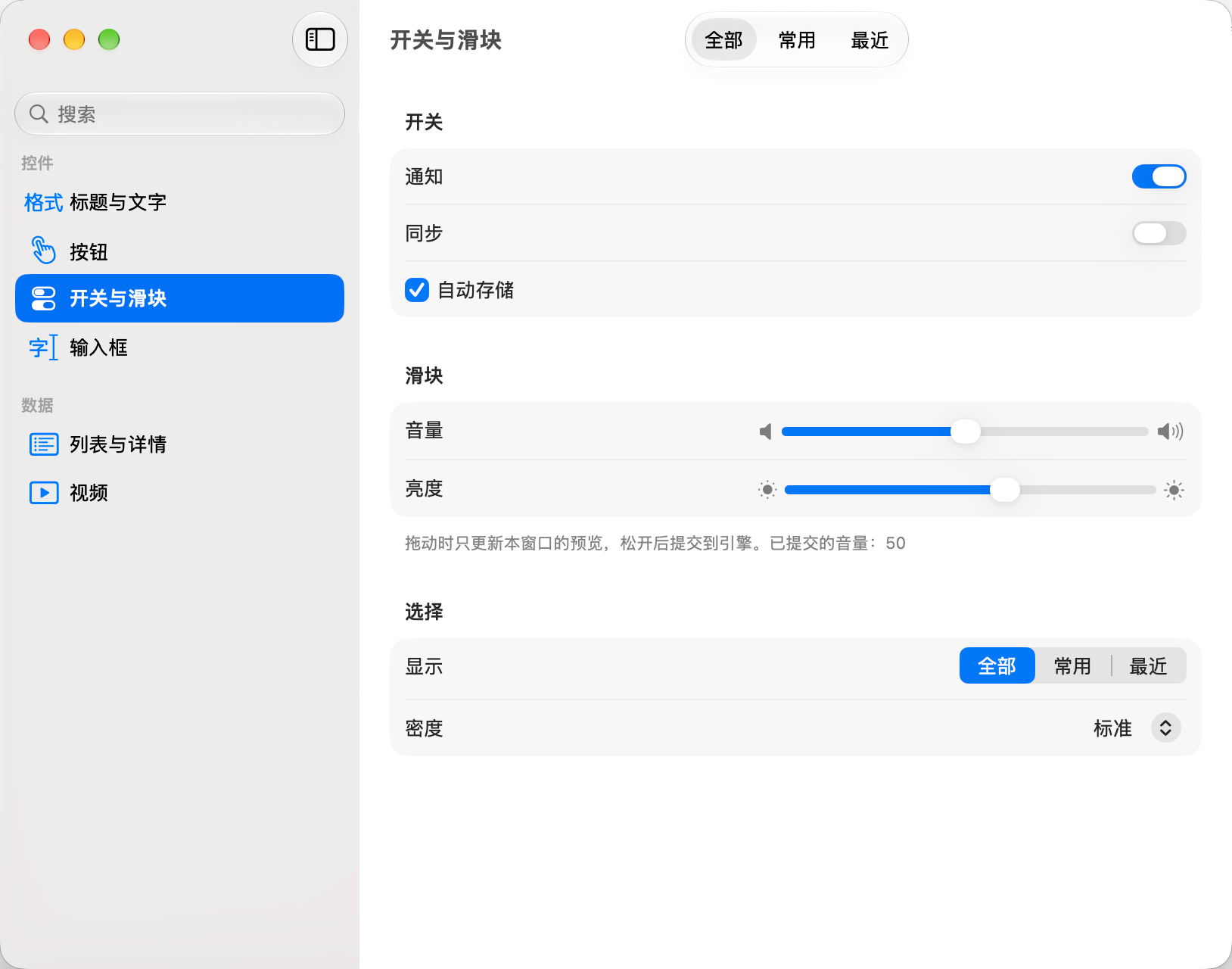
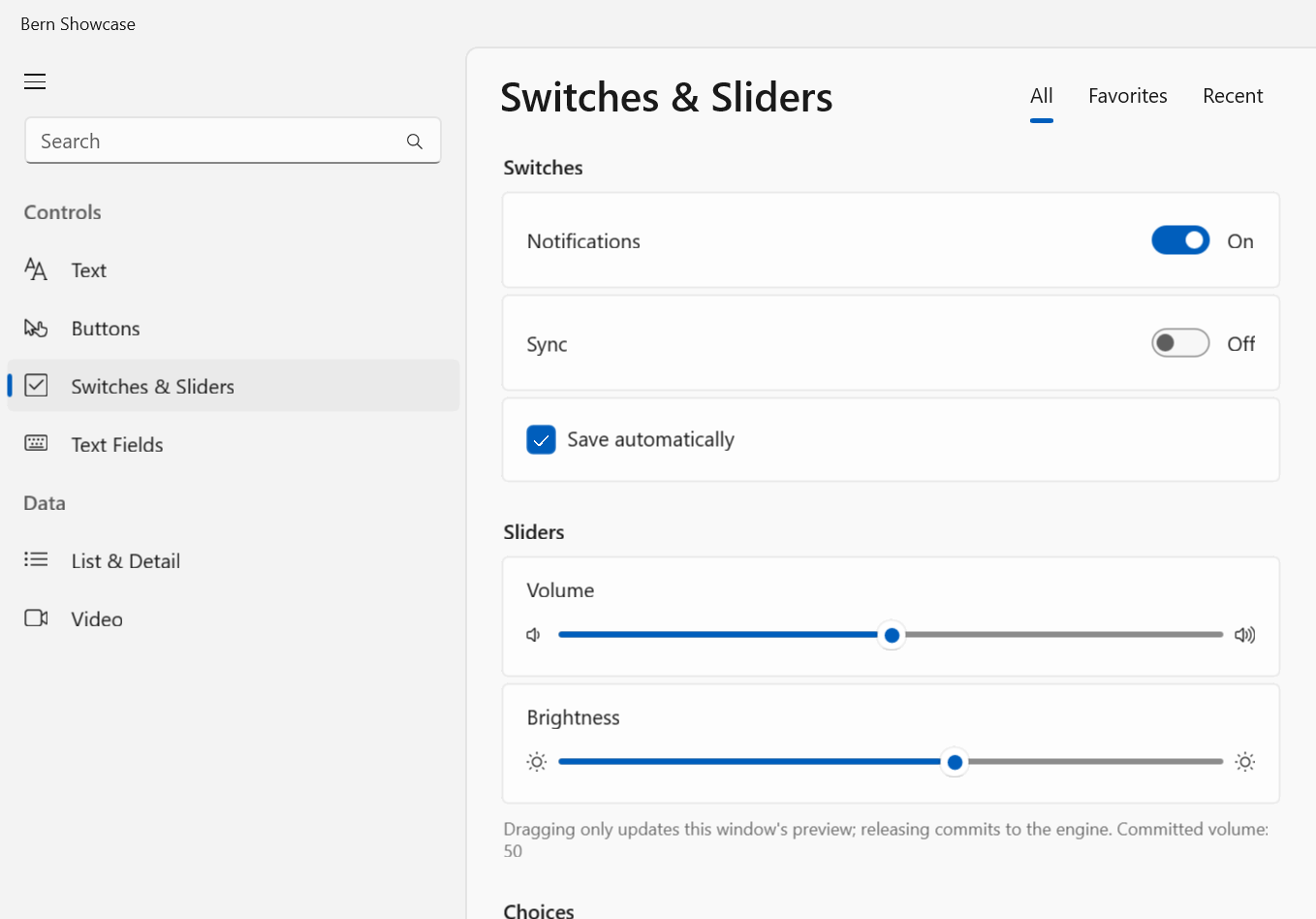
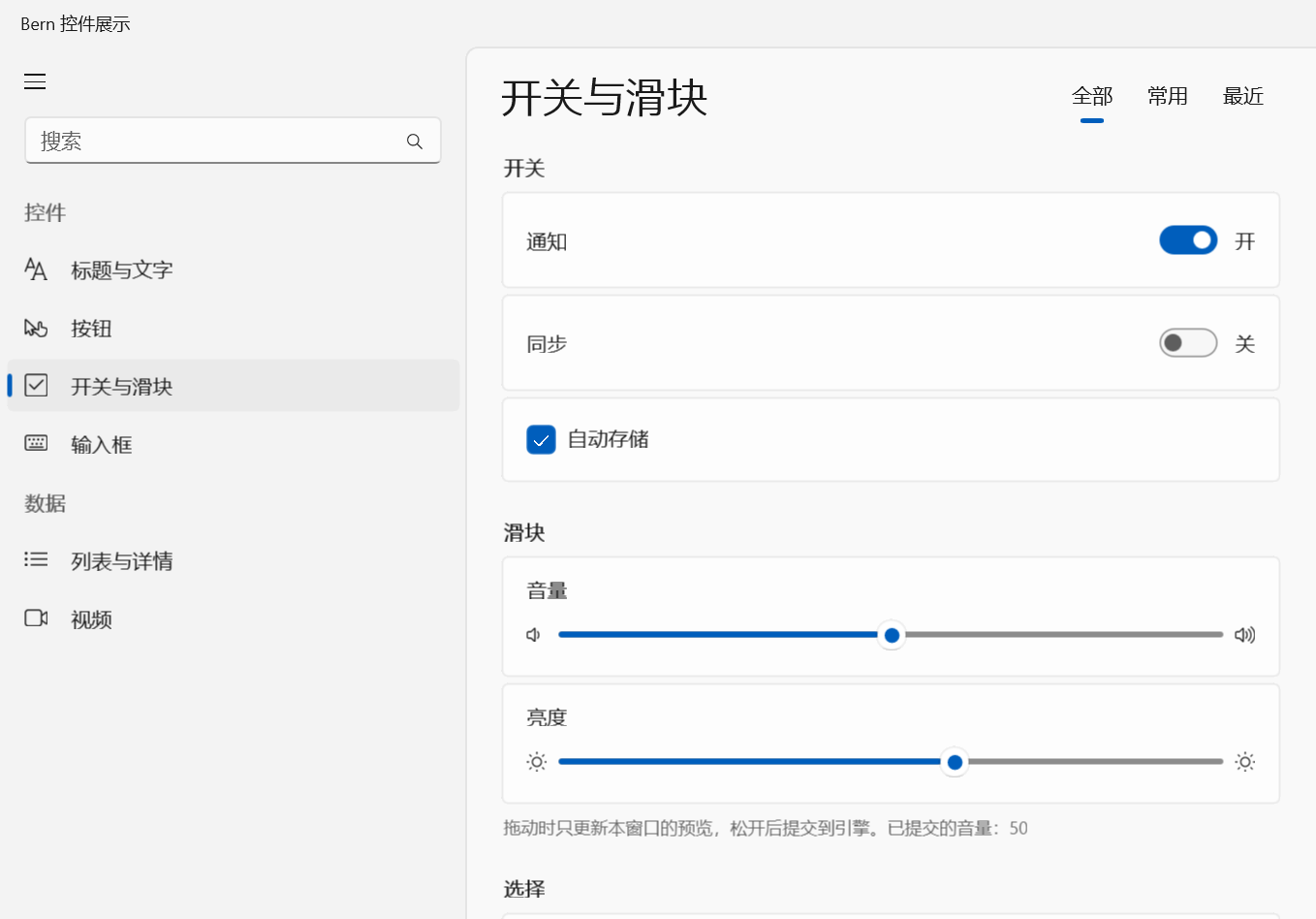
One Rust declaration. Every platform's own native UI.一份 Rust 声明, 编译成每个平台 自己的原生界面。
SwiftUI, WinUI 3, GTK 4, Jetpack Compose and the Web, from one ui!. No JS engine and no embedded browser on the desktop or the phone; every button is an MCP tool an AI can call.SwiftUI、WinUI 3、GTK 4、Jetpack Compose 与 Web,出自同一份 ui!。桌面和手机上没有 JS 引擎,没有内嵌浏览器;每个按钮,天生就是 AI 能调用的 MCP 工具。
Five UI toolkits. No pixels of its own.五套 UI 技术,不自己画一个像素。
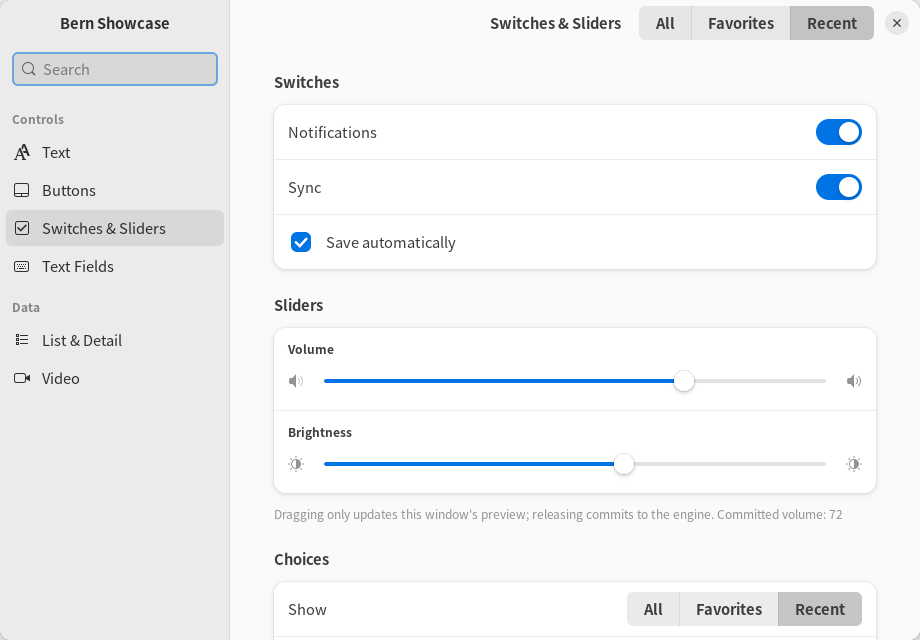
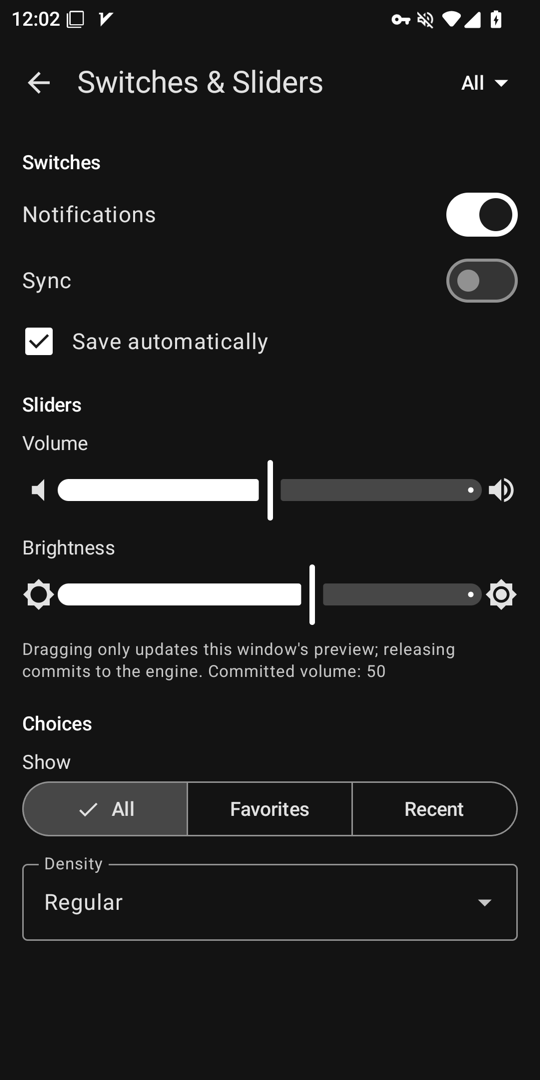
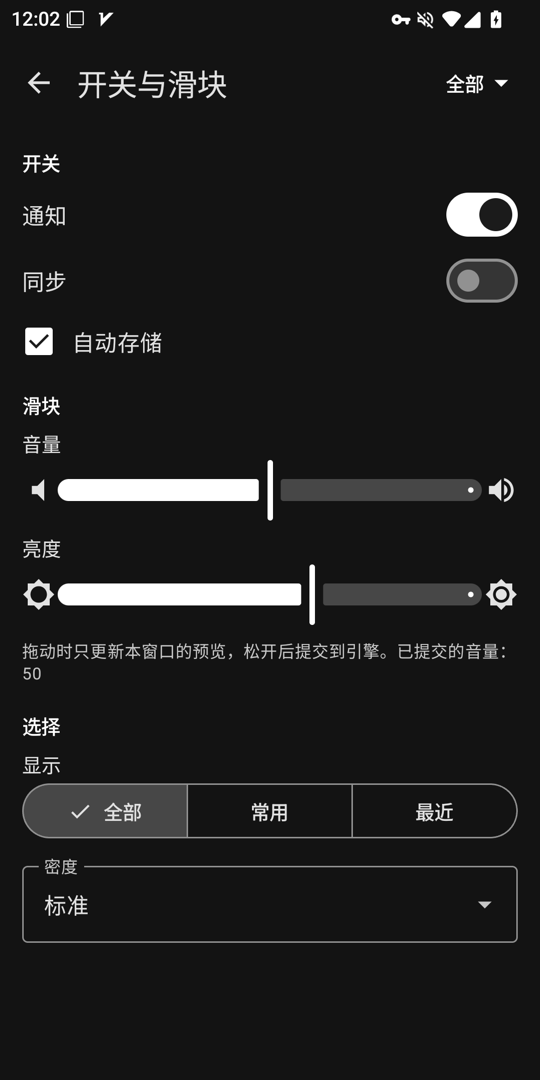
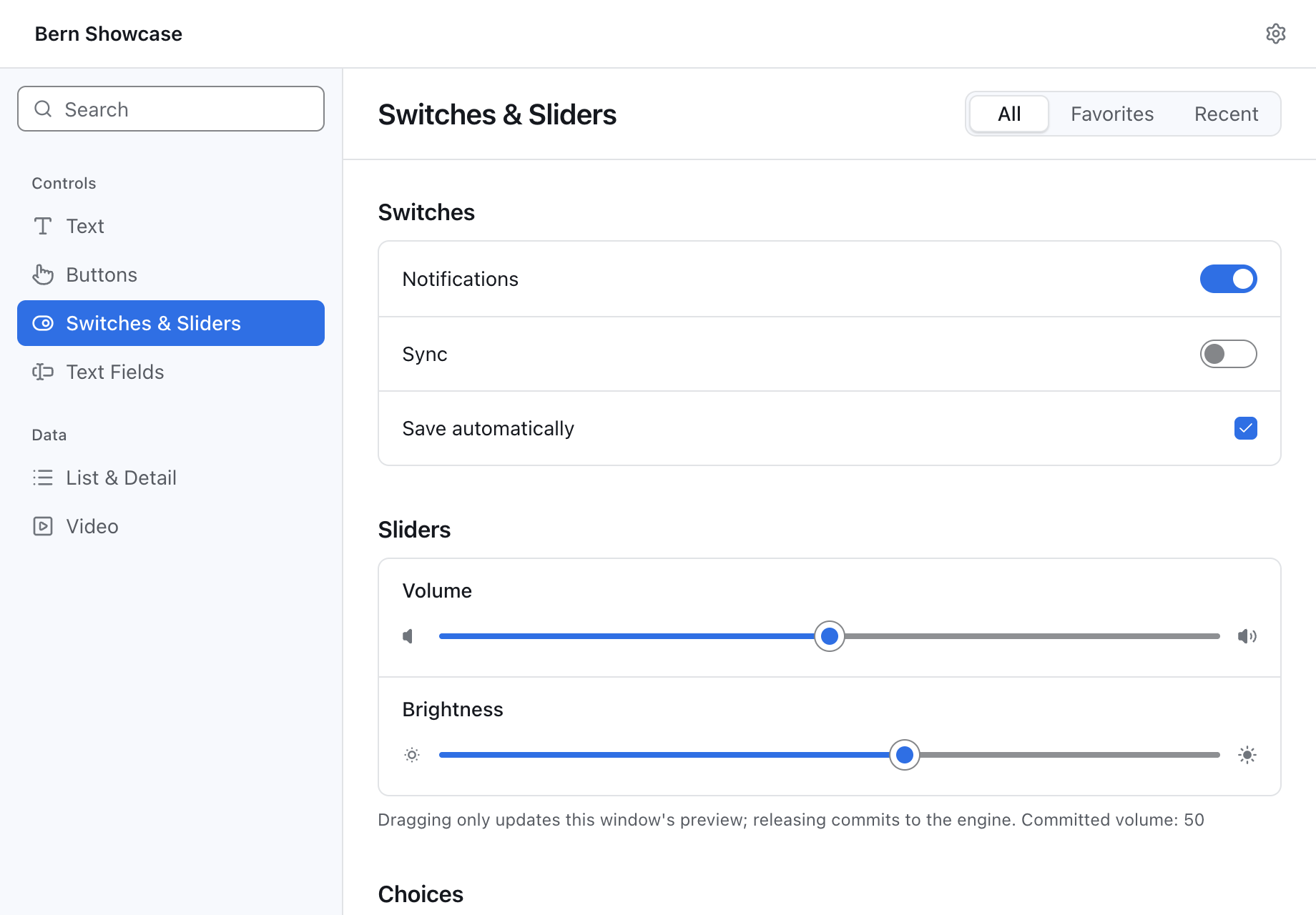
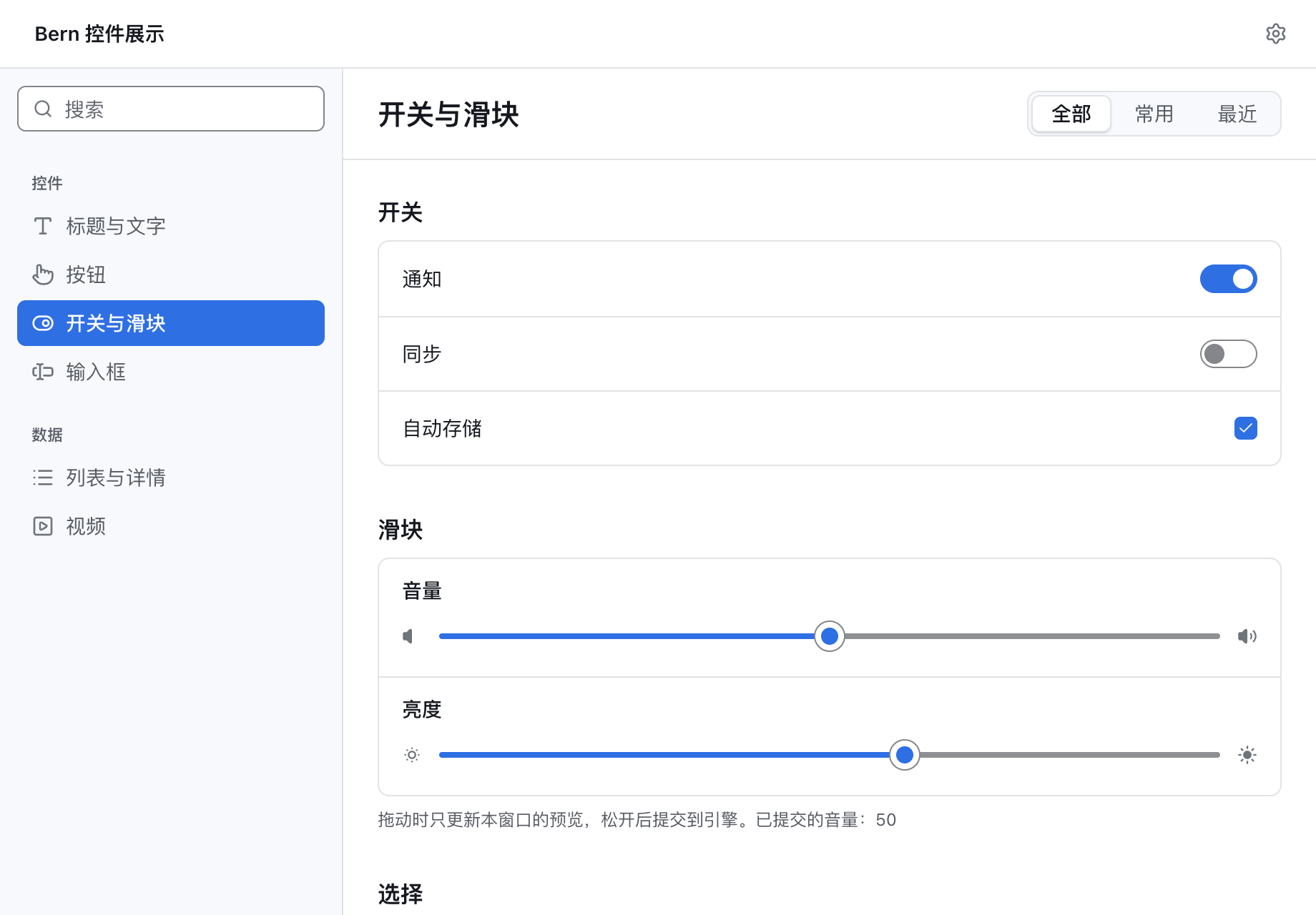
One controls_page declaration on every platform. Every switch, slider and sidebar is the platform's standard control, in the platform's own colors.同一份 controls_page 声明,跑在每个平台上。每个开关、滑块和侧边栏都是平台自己的标准控件,用的是平台自己的配色。
macOSSwiftUI
iOSSwiftUI
WindowsWinUI 3
LinuxGTK 4
AndroidCompose
WebDOM + WASM
02 / built for AI
Built for AI, both ways.为 AI 而建:写的时候,用的时候。
What the AI forgets, the compiler remembers.漏掉的,编译器替它记着。
AI rarely gets interface code wrong; it leaves things out. Elsewhere those wait for a user to find them. In Bern they do not compile, and the error says where, so an agent fixes it and builds again.AI 写界面很少写错,常常写漏。在别的框架里,要等用户自己撞上;在 Bern 里它们过不了编译,错误写清在哪里,Agent 改完直接再编。
B102a string missing a language文案少写了一种语言
B201a feature with no entry in some layout功能在某个布局里没有入口
Every Bern app ships with a command line and an MCP server. Each control has a stable name and role; an agent reads the structure, acts through the same code path as a click, and the app answers with what actually happened.每个 Bern 应用都自带命令行和 MCP 服务器。每个控件都有稳定的名字和角色;Agent 读的是结构,做的事和用户点击走同一段代码,结果由应用如实答复。
No screenshots, coordinates or synthetic clicks不用截图、算坐标、模拟点击
Business commands are MCP tools too业务命令也各自是一个 MCP 工具
A disabled or blocked button is an error code, not a silent click按钮被禁用、被挡住时得到错误码,而不是一次没效果的点击
showcase-mcp
$ showcase ui inspect
[{ "target": "controls_page.sync", "role": "switch",
"label": "Sync", "value": "false", "enabled": true }, …]$ showcase ui set-bool --target controls_page.sync --value true
$ showcase window close --window settings#1
{ "outcome": "ConfirmationRequired",
"message": "Do you want to save the display name?",
"decisions": ["Save", "Discard", "Cancel"] }
03 / plain rust
Your logic stays in plain Rust.业务逻辑就是普通的 Rust。
A protocol declares the state and the commands; the engine implements them and never sees a window; the interface is a ui! declaration the compiler turns into each platform's code. The window, the command line and AI agents all drive the same engine.协议声明状态和命令;引擎实现它们,看不到任何窗口;界面是一份 ui! 声明,由编译器生成每个平台的代码。窗口、命令行和 AI Agent 驱动的是同一个引擎。
#[bern::protocol(namespace = "counter", version = 1)]pub mod counter {
use bern::prelude::*;
#[state]pub structState {
pub count: i64,
}
#[commands]pub traitCommands {
/// Add to the count.fn add(&mut self, by: i64) -> Result<(), CommandError>;
}
}
$ counter ui inspect
$ counter ui activate --target counter_view.add
$ counter counter add --by 5$ counter-mcp # the same catalog for AI agents
04 / measured
Too light to feel cross-platform.轻得不像跨平台。
macOS · SwiftUI
Launch启动
0.41s
Memory内存
39MB
App bundle应用包
2.7MB
Windows · WinUI 3
Launch启动
0.32s
Memory内存
35MB
App folder应用目录
4.2MB
Hello World · vs Electron对比 Electron
Package安装包
2.1MBvs 301
Launch启动
0.26svs 1.07
Memory内存
18MBvs 77
The release showcase, median of at least 3 runs: Apple M4 · macOS 27, Intel i5-13490F · Windows 11. Hello World: a GitHub-hosted Apple M1, median of 10. The web app is 189 KB gzipped.发布版展示应用,至少 3 次取中位数:Apple M4 · macOS 27,Intel i5-13490F · Windows 11。Hello World:GitHub 托管的 Apple M1,10 次取中位数。网页应用 gzip 后 189 KB。benchmarks/ →
05 / built with bern
Built with Bern.用 Bern 做的应用。
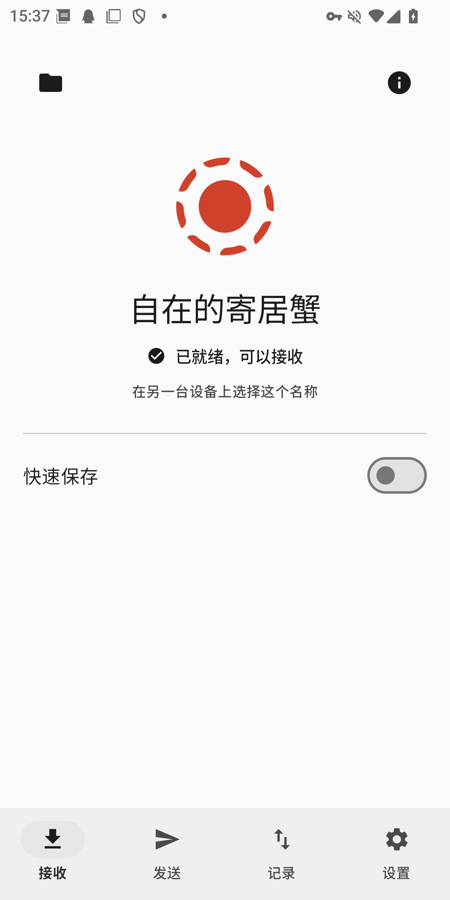
RustSend
Local file sharing · compatible with LocalSend v2局域网文件传输 · 兼容 LocalSend v2
Device discovery, file and text transfers and receive approval, with one Rust codebase behind native SwiftUI, WinUI 3, GTK 4 and Jetpack Compose interfaces.设备发现、文件与文字互传、接收确认,一套 Rust 代码,背后是原生的 SwiftUI、WinUI 3、GTK 4 与 Jetpack Compose 界面。
Rust 1.99, plus the toolchain of each platform you build: Xcode, Visual Studio, GTK, Android Studio. bern doctor tells you what is missing.需要 Rust 1.99,以及要构建的平台各自的工具链:Xcode、Visual Studio、GTK、Android Studio。缺什么,bern doctor 会告诉你。
Install bern安装 bern
Ready-built for macOS, Windows and Linux; cargo install bern-cli compiles it instead.macOS、Windows、Linux 都有编译好的版本;也可以 cargo install bern-cli 自己编译。
$ cargo binstall bern-cli
Create an app创建应用
A window with a counter: a protocol, an engine and an interface crate.一个带计数器的窗口:协议、引擎、界面各一个 crate。
$ bern new my_app
$ cd my_app
Run it运行
This computer's platform by default, or any target you name.默认是这台电脑的平台,也可以指定目标。
$ bern run
$ bern run --target web_app
$ bern run --target android
Ship it打包发布
.dmg, Windows installer, .deb, .apk and .aab, and the web site, each with the app's CLI and MCP server..dmg、Windows 安装程序、.deb、.apk 与 .aab,以及网页,各自带上应用的命令行和 MCP 服务器。